
Download Residential VPN – Free Secure VPN with Residential IPs
Overview
Residential VPN, developed by StarVPN, is a freemium privacy tool that blends the simplicity of a free VPN with the power of millions of residential and mobile IP addresses. Whether you are hopping on public Wi‑Fi at a café, streaming your favorite shows abroad, or handling sensitive client data as a remote worker, Residential VPN aims to keep your online identity hidden and your data encrypted. The service ships with AES‑256 encryption, OpenVPN, WireGuard, and AmneziaWG protocols, providing layered protection against eavesdropping and ISP throttling.
A standout element is its “guest mode,” which lets users connect instantly without creating an account or providing payment details—ideal for travelers who need a quick, secure tunnel. The free tier supplies 100 GB of data each month and a 90‑day active window, while the premium tier removes data caps, adds multi‑hop routing, split tunneling, and access to a 10 Gbps server network powered by Cloudflare load balancers. Residential VPN also includes Smart Streamer, a built‑in Smart DNS that unlocks over 200 geo‑restricted websites, and an always‑on feature that restores the VPN automatically after a reboot.
The combination of generous free resources, a robust premium upgrade, and cross‑platform compatibility makes Residential VPN a compelling option for both casual browsers and privacy‑savvy power users.
Key Features
- Free guest mode – no account, no credit card required.
- 100 GB monthly data limit on the free plan, unlimited on premium.
- AES‑256 encryption with OpenVPN, WireGuard, and AmneziaWG protocols.
- DNS leak protection, IPv6 support, and built‑in Kill Switch.
- Smart Streamer Smart DNS for accessing 200+ geo‑blocked sites.
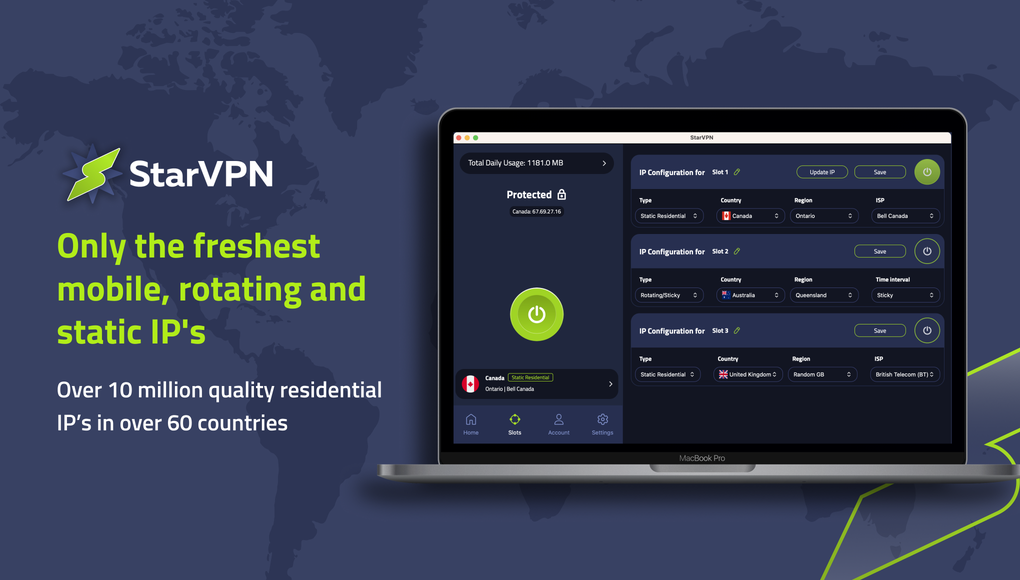
- Millions of rotating residential and mobile IPs, plus 20,000 static clean IPs.
- Multi‑hop routing for extra anonymity.
- Split tunneling – choose which apps use the VPN.
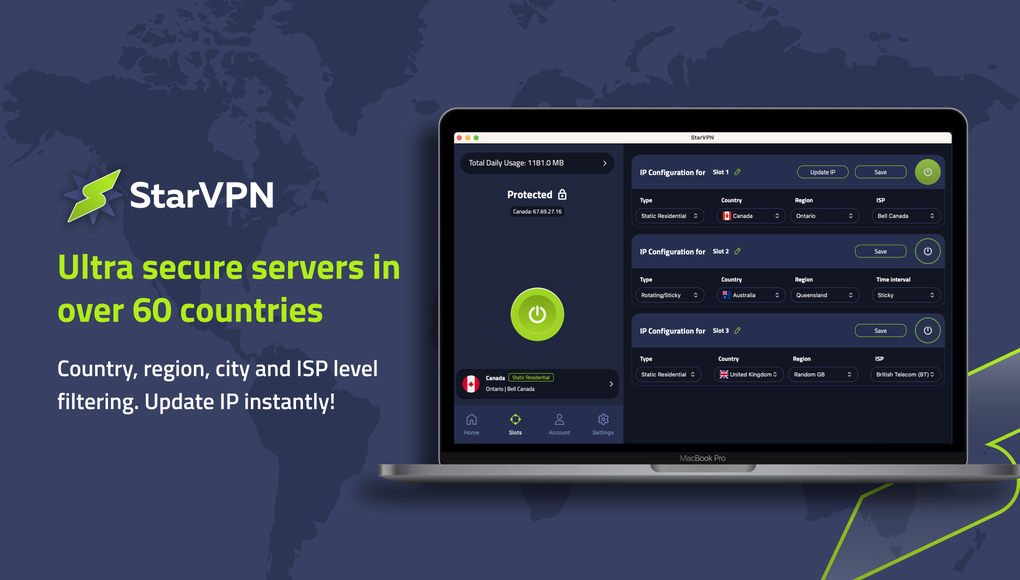
- IP filtering by country or ISP, instant IP refresh.
- Parental controls and built‑in ad blocker.
- Cloudflare‑backed 10 Gbps server network for premium users.
- Cross‑platform support: Windows, macOS, Linux, Android, iOS.
- 24/7 email support with rapid response times.
Installation, Usage & Compatibility
Step‑by‑Step Installation
Getting Residential VPN up and running is straightforward. Begin by visiting the official website and selecting the download button for your operating system. The installer is available for Windows (7 and later), macOS (10.12+), Android (5.0+), and iOS (12+). After downloading, run the installer (Windows/macOS) or open the app store package (Android/iOS). The setup wizard guides you through the following steps:
- Accept the license agreement and choose the installation folder (Windows/macOS).
- Allow the app to create a VPN profile on your device – this is required for the service to route traffic.
- Optionally enable “Start on boot” to keep the VPN active after restarts.
- Launch the application and click “Guest Mode” to connect instantly, or sign up for a premium account to unlock advanced features.
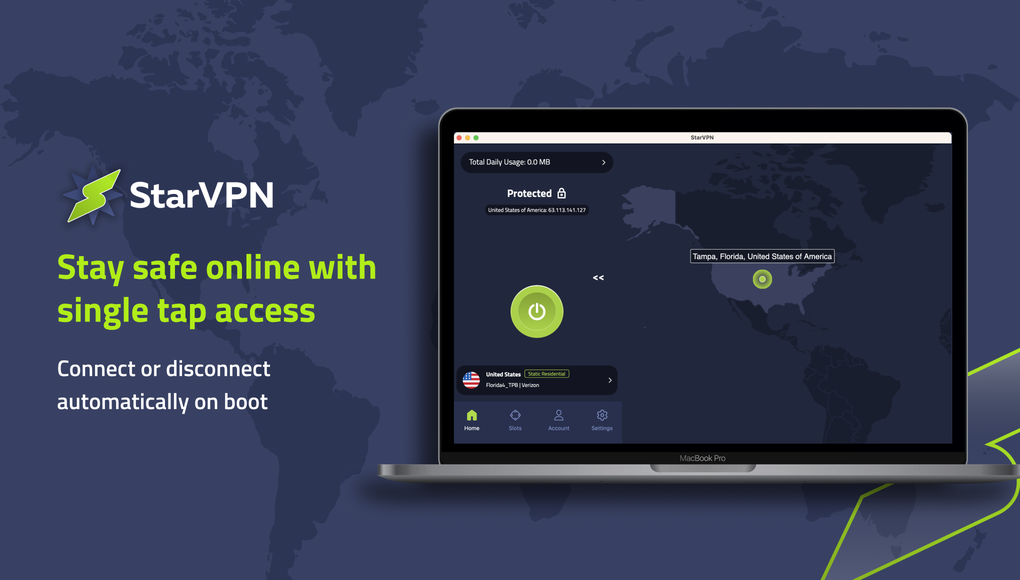
Once connected, the main dashboard displays your current IP, server location, data usage, and connection status. Premium users can access the Settings tab to configure split tunneling, multi‑hop routes, and custom DNS servers.
Operating System Compatibility
Residential VPN supports the following platforms:
- Windows 7, 8, 10, 11 (64‑bit)
- macOS Catalina (10.15) and later
- Linux distributions with a .deb or .rpm package
- Android 5.0 and later (Google Play Store)
- iOS 12 and later (Apple App Store)
The application automatically selects the best protocol for your device, but power users can manually switch between OpenVPN, WireGuard, or AmneziaWG for optimal speed or security. Because Residential VPN creates a system‑level VPN tunnel, it works seamlessly with other network‑intensive applications such as video conferencing tools, gaming clients, and file‑sharing services.
Usage Tips for Optimal Performance
To make the most of Residential VPN, consider the following best practices:
- Choose a server geographically close to your target content for lower latency.
- Enable the “Always‑On” feature if you frequently switch networks; the VPN will reconnect automatically.
- Use split tunneling to keep local traffic (e.g., LAN printers) outside the encrypted tunnel, preserving speed for latency‑sensitive apps.
- Refresh your residential IP regularly when streaming services start blocking your connection.
- For premium users, experiment with multi‑hop routes when you need maximum anonymity, such as for whistleblowing or high‑risk research.
Pros and Cons
Pros
- Generous free tier with 100 GB/month and no signup friction.
- Access to millions of residential IPs reduces detection by streaming platforms.
- Strong encryption (AES‑256) and multiple modern VPN protocols.
- Feature‑rich premium plan: split tunneling, multi‑hop, IP filtering, and ad blocker.
- Cross‑platform support lets you protect all devices with a single subscription.
- Smart Streamer DNS makes geo‑unblocking simple without extra configuration.
- 24/7 responsive support, even for free users.
Cons
- Free account expires after 90 days, requiring a new guest session.
- Free tier limits server selection to country‑level only – no city or ISP granularity.
- Premium price is higher than some budget VPNs, though justified by residential IP pool.
- Linux client is available but lacks a polished GUI compared to Windows/macOS.
- Occasional speed drops on congested residential IPs during peak streaming hours.
Frequently Asked Questions
Can I use Residential VPN on multiple devices simultaneously?
Yes. With a single premium subscription you can protect up to five devices at the same time, including Windows, macOS, Android, iOS, and Linux machines. The free guest mode is limited to one active session per device, but you can still run it on multiple devices separately.
Does Residential VPN keep logs of my activity?
Residential VPN follows a strict no‑log policy. It does not store browsing history, IP addresses, or connection timestamps. Only anonymized aggregate data (e.g., total data transferred per month) is retained for performance monitoring.
How does the Smart Streamer DNS differ from a regular VPN server?
Smart Streamer uses a DNS‑based approach to bypass geo‑restrictions without routing all traffic through a VPN server. This results in lower latency for streaming services like YouTube or Spotify while still masking your real IP address for the requested content.
Is the Kill Switch reliable on public Wi‑Fi?
The built‑in Kill Switch monitors the VPN tunnel continuously. If the connection drops on any network, including public Wi‑Fi, the Kill Switch instantly blocks all outbound traffic, preventing accidental data leaks. Users have reported consistent performance across Windows, macOS, and mobile platforms.
What payment methods are accepted for the premium plan?
Residential VPN accepts major credit cards (Visa, MasterCard, American Express), PayPal, and cryptocurrency (Bitcoin, Ethereum). Annual subscriptions receive a 15 % discount compared to monthly billing.
Conclusion & Call to Action
Residential VPN stands out in a crowded market by offering a genuinely usable free tier and a premium package that leverages millions of residential IPs—a feature usually reserved for enterprise‑level services. Its combination of robust encryption, smart DNS streaming, and advanced premium controls such as split tunneling and multi‑hop routing equips both casual users and power users with the tools they need to stay private, unblock content, and work securely from any location. While the 90‑day limitation on the free plan and the higher premium price may give some pause, the overall value, especially for professionals who rely on rotating IPs for marketing, streaming, or secure communications, justifies the cost. The cross‑platform support ensures you can protect laptops, smartphones, and tablets with a single subscription, and the responsive 24/7 support adds a layer of confidence for less‑technical users.
If you’re looking for a VPN that balances ease of use with powerful features, give Residential VPN a try. Start with the hassle‑free guest mode to experience secure browsing immediately, and consider upgrading to premium if you need unlimited data, custom routing, or the extra anonymity of residential IPs. Click the button below to download Residential VPN for your platform and protect your digital life today.







